
Free · private · no account
Track many things, on one screen.
Open it, log a few numbers and maybe some tags about how you're doing, walk away. One chart shows it all together. Calm, private, yours to keep.

piptracker is a self-observation app — a quiet place to notice how you're doing, mental health included. It records what you put in and shows it back. It never assesses: no scores of you, no advice, no diagnosis.
What you can track
Five kinds of tracker. Combine them freely.
Every check-in takes a few seconds — designed to still work on the days you have the least to give. It comes with a ready-made starter set (Energy, Mood, Sleep quality, Context, Note), and you can build your own.
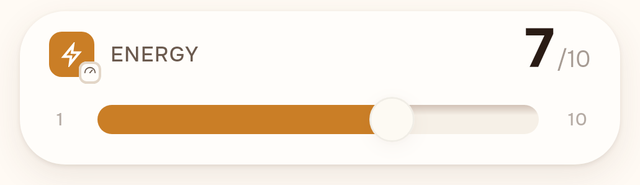
Rating
How was it, on your own scale — you choose how fine-grained.
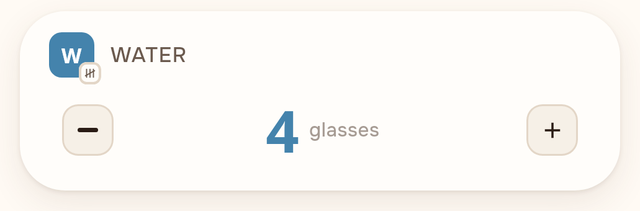
Amount
How much, how many — sleep hours, coffees, kilometres.
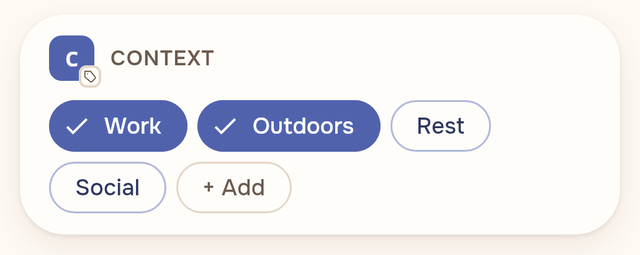
Tags
What was going on — pick from your own words, one tap each.
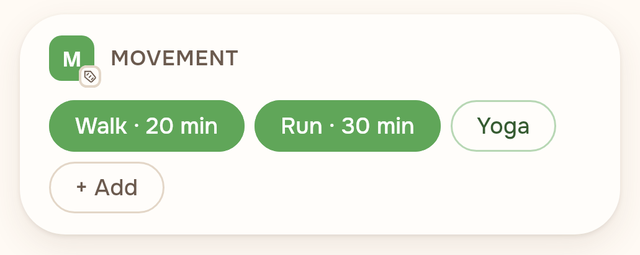
Amount tags
Tags that carry a number — 20 minutes of walking, 3 cups of coffee.
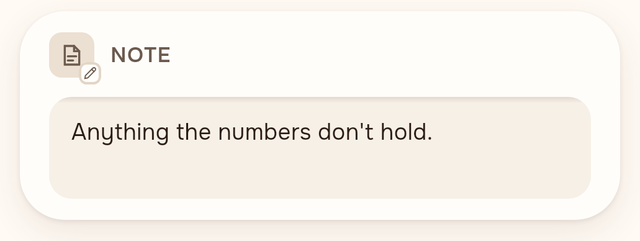
Note
Anything the numbers don't hold, in free text.


What it shows you
Your days, back as a picture.
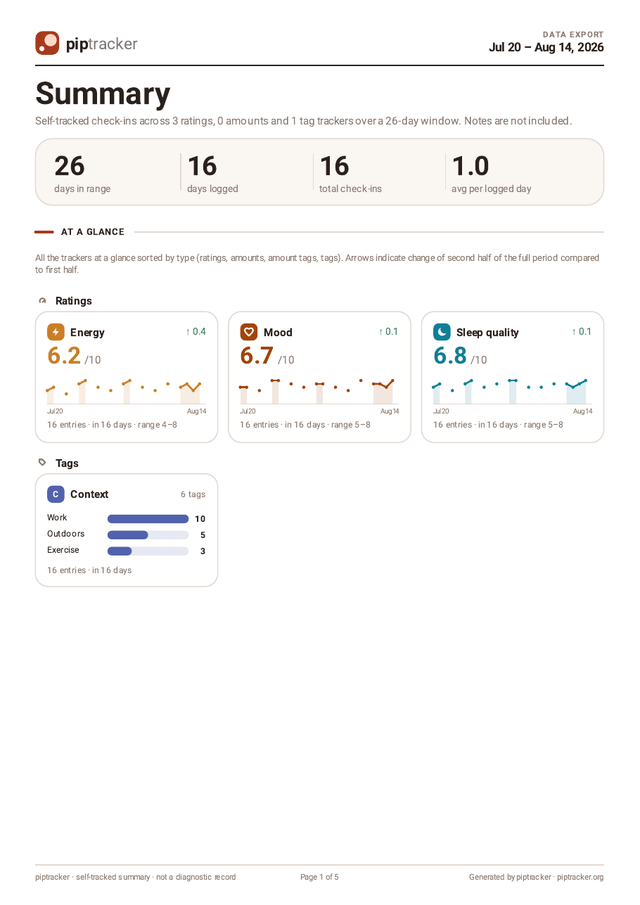
A list of your days, a chart of everything together, and the patterns underneath — by weekday, by time of day, and how one thing moves with another. Observation, not judgment: the app never scores you.


Templates
Not sure where to start? Pick a template.
24 ready-made bundles across mental health, sleep, mindfulness, body and habits — a daily mood chart, a worry log, a sleep diary, an energy budget. Browsing is free; nothing is added until you confirm, and everything a template creates is yours to rename, recolor or prune.


And when you want more
It grows with you, quietly.
Gentle goals with no streaks and no guilt, a Home digest of what's moving, custom check-ins, reminders you ask for, a PDF report you can hand to whoever you choose, guest mode, and full export. The guide covers it all.

What it doesn't do
Designed to stay out of the way.
- No streaks, badges, or "you're falling behind" pressure.
- No nag notifications — reminders only if you ask for them.
- No AI insights, no advice, no coaching.
- No social feed, no sharing prompts.
- No account, no sign-up, no ads.
Whose it is
Yours, on your device.
Everything you log stays on your phone. No cloud, no account, no analytics — a design constraint that is also a promise, because this is some of the most sensitive data a phone can hold.
Take it with you anytime: export everything to CSV or JSON, or a PDF report you can hand to whoever you choose. The privacy policy is short, because there isn't much to say.
Get the app
Free with the full starter set.
A one-time Pro purchase for building your own setup — coming soon. No subscription.
FAQ
A few questions, answered.
Why "piptracker"?
A pip is a small dot — the spots on dice and dominoes. Logging in piptracker is mostly tapping pips: small marks that add up to a picture. The icon is two of them.
When can I install it?
Soon. The Android app is finished and in final testing; it arrives on Google Play and F-Droid first. This page will carry the links the day they're live.
Is there an iPhone version?
Yes — the iOS version is built and in testing, and comes to the App Store a little after the Android release.
What does it cost?
The app is free, and the starter set covers full everyday use — logging, stats, goals, reminders, export. A one-time Pro purchase will unlock building your own trackers and structure. No subscription, ever — and nothing you log is ever held hostage.
Where is my data, and can I get it out?
In a private database on your device — nothing leaves your phone. You can export everything to CSV or JSON anytime, and generate a PDF report of any period. Uninstalling deletes the local data, so export first if you want to keep it.
Does it sync between devices?
No — there is no cloud, which is the point. To move to a new phone, export on one device and import on the other.
Is it open source?
Yes, piptracker is open source under GPL-3.0 — the privacy claims are checkable, not just asserted. The source repository will be published alongside the release.